Best Student Tools: Top Picks for Easy Learning
- Wednesday, September 10, 2025
Feeling buried in schoolwork?
Between classes, assignments, and whatever's left of your social life, being a student today is basically like having three full-time jobs. And that's before you factor in clubs, sports, or that part-time gig you picked up for "extra cash" (which somehow disappears instantly).
That's why the right student tools are game-changers. They don't just help you stay organized - they keep you sane. From apps that block distractions to ones that turn studying into a game, these tools make learning easier, faster, and way less stressful.
Here's a list of 10 must-try options that can seriously boost your grades and free up some time to actually enjoy life.
1. Quizlet. Study Smarter, Not Harder
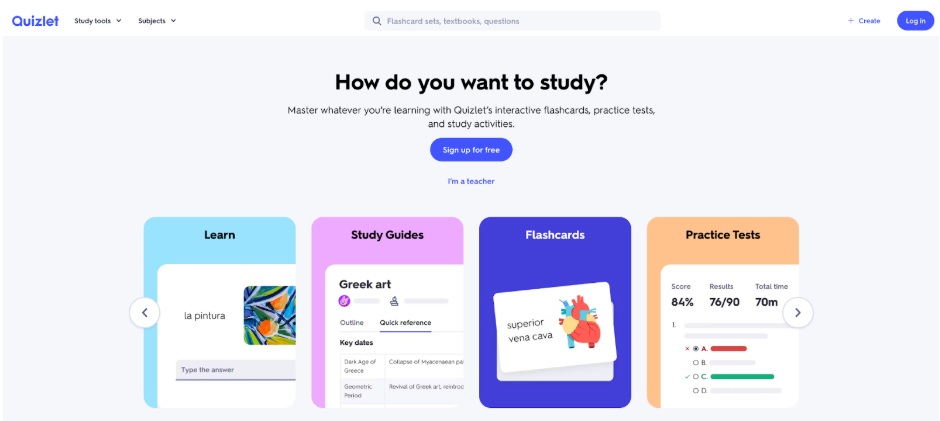
Flashcards have been around forever, but Quizlet is like their cooler, tech-savvy cousin. It's one of the most-used online learning tools for students because it makes studying a little less painful.
- Make your own flashcards for literally any subject.
- Switch up how you study: play games, take quizzes, or test yourself.
- Share your decks with classmates so everyone wins.
Example: Got a bio exam? Make a set for key terms, play a round in game mode, and suddenly you're competing with yourself instead of just staring at notes.
2. Todoist. Your Personal Task Boss
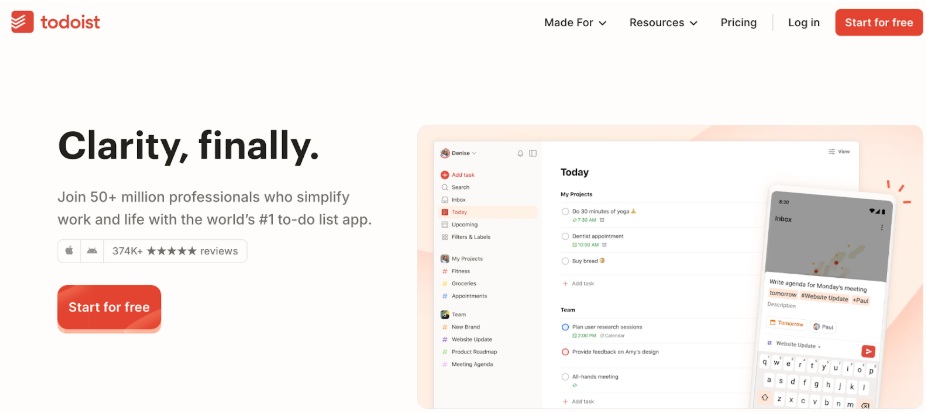
If your brain feels like it's juggling 40 different to-do lists, Todoist can help. It's one of the best organization tools for students because it keeps everything neat and panic-free.
- Add tasks with deadlines and reminders.
- Break big projects into smaller, less-scary chunks.
- Connect it to Google Calendar so you can actually see your week.
Example: For your history class, you can list each assignment, give it a due date, and get reminders before the "oh no" moment hits.
3. EssayPro. When You Need Writing Backup
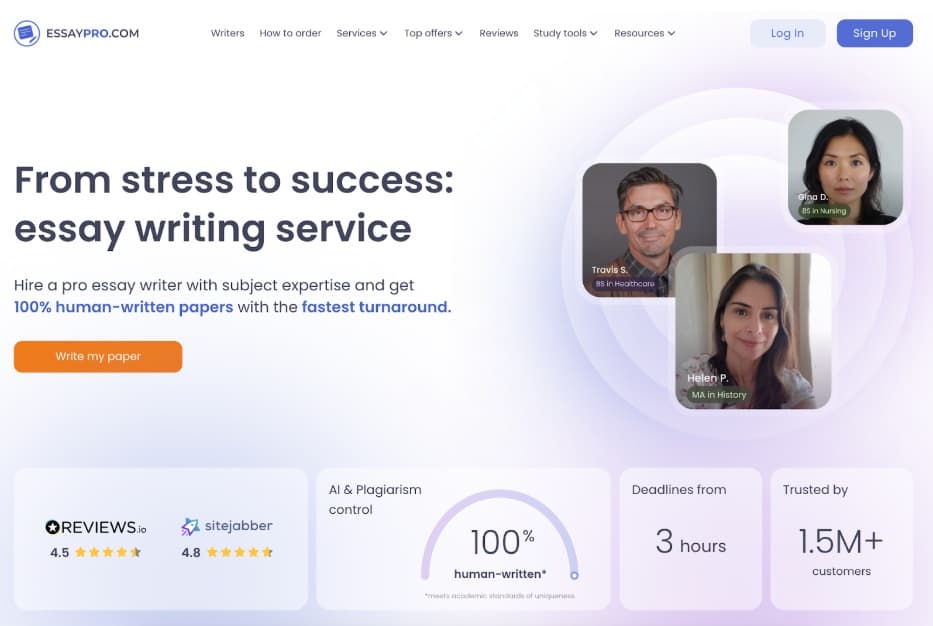
Sometimes writing a paper is smooth sailing. Other times... it's a total shipwreck. EssayPro is one of the go-to writing tools for students when you need help with structure, editing, or even a full draft.
- Custom-written essays to match your topic.
- Editing, proofreading, and plagiarism checks.
- Affordable and fast support from experienced writers.
Example: If you're stuck on a research paper, you can get expert help to make sure it's well-organized and meets all the academic rules.
4. Grammarly. Make Your Writing Look Good
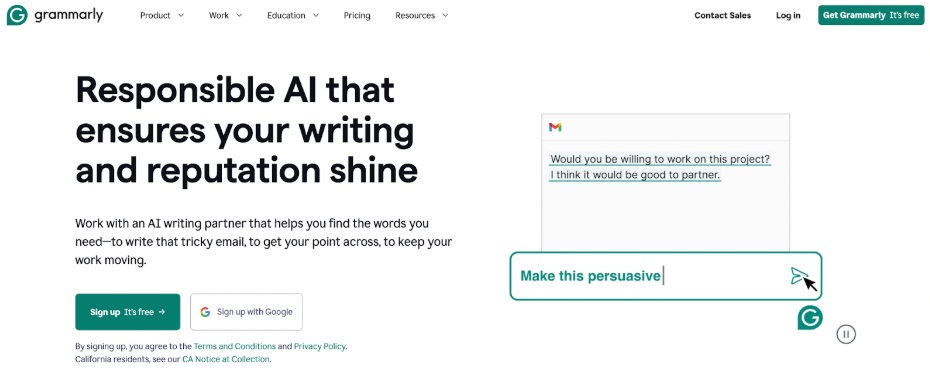
Grammarly isn't just a spell-checker - it's a writing lifesaver. It's one of the most reliable tools for students when you want your work to look polished.
- Fix grammar, punctuation, and spelling instantly.
- Get style tips so your writing actually makes sense.
- Check for plagiarism to keep things original.
Example: Whether it's a term paper or an email to your professor, Grammarly makes sure you sound smart without overcomplicating things.
5. Plagiarism Checker by EssayPro. Stay Original
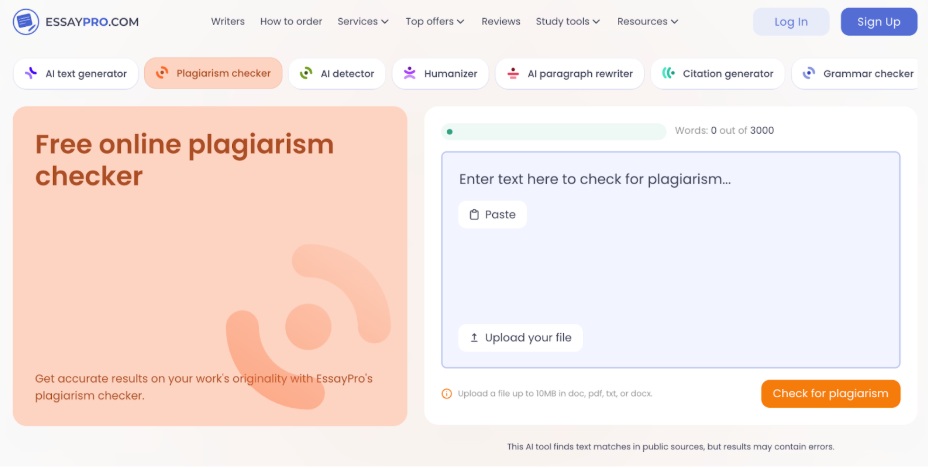
Plagiarism Checker by EssayPro is one of the essential study tools for college students, helping make sure your work is original before submission.
- Real-time plagiarism detection for essays, research papers, and assignments.
- Detailed reports highlighting any matched content.
- User-friendly interface for quick and easy use.
- No sign-up required to start checking instantly.
- AI detection features to learn how to check if something was written by AI.
Students can run their essays or research papers through the tool to avoid unintentional plagiarism, ensuring academic honesty and peace of mind before submission.
6. Notability. Notes That Actually Make Sense
If your notes look like chicken scratch, Notability can help. It's one of the most flexible study tools for students, perfect for anyone who likes mixing text, drawings, and audio.
- Record lectures while you type or write.
- Draw diagrams and charts right in your notes.
- Access everything from any device.
- Combine text, images, and audio in one file.
Example: In a biology class, you can record the lecture, jot down key terms, and sketch the cell diagram - all in the same spot.
7. Cold Turkey. Block the Time-Wasters
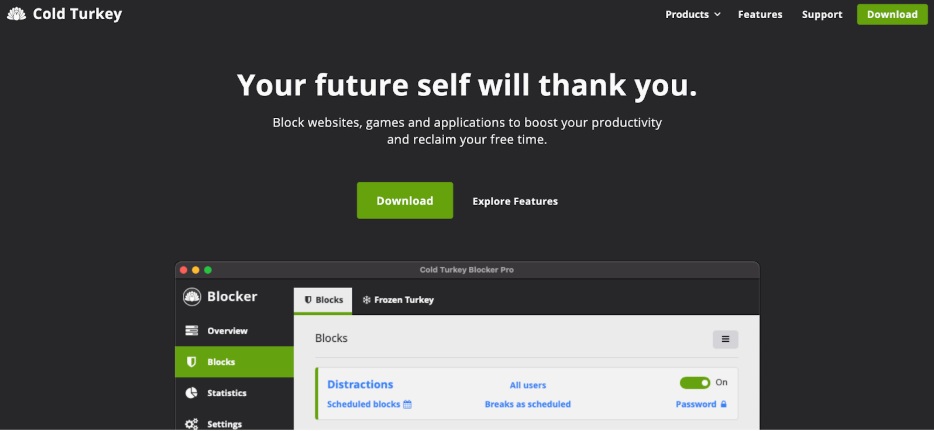
Scrolling TikTok during study time? Yeah, we've all been there. Cold Turkey is one of the most effective time management tools for students because it actually stops you.
- Block websites, apps, or your entire internet.
- Schedule blocks to match your study sessions.
- See how you're really spending your time.
Example: Before finals, you could block social media for three hours a day so you can actually focus on studying.
8. Miro. Group Projects Without the Chaos
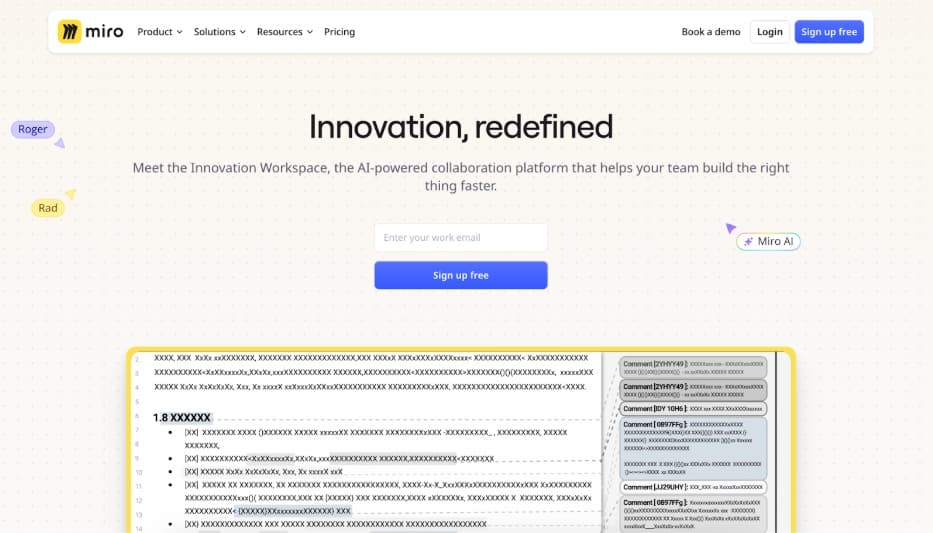
Group work can either be great... or a total disaster. Miro is one of the most practical free collaboration tools for students because it keeps everyone organized.
- Work on the same digital whiteboard in real time.
- Use templates for mind maps or project plans.
- Connect it to Slack, Google Drive, and Zoom.
Example: Your group can brainstorm, split up tasks, and add research to the same board without 50 back-and-forth emails.
9. Khan Academy. Learn at Your Own Speed
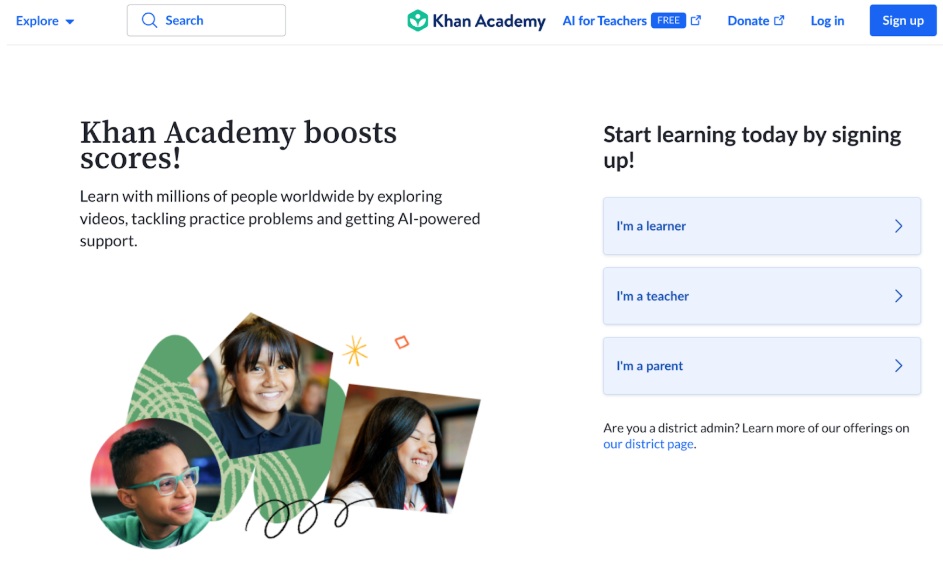
If a class moves too fast (or too slow), Khan Academy is there for you. It's one of the top educational technology tools for students, and it's free.
- Thousands of lessons in math, science, history, and more.
- Practice exercises to test yourself.
- A dashboard to track progress.
- Completely self-paced.
Example: Struggling with calculus? Watch the lesson, practice the problems, and keep going until it clicks.
10. Trello. Organize Your Semester Like a Pro
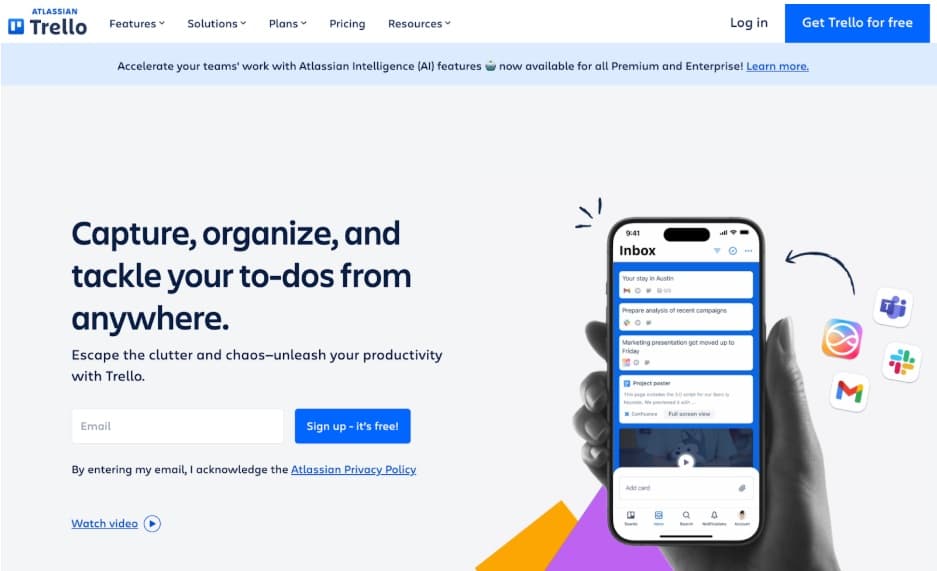
Trello is like a giant, colorful corkboard for your life. It's one of the easiest productivity tools for students to learn and use.
- Create boards, lists, and cards for assignments.
- Add deadlines, reminders, and checklists.
- Share boards for group projects.
Example: You could make a "Spring Semester" board, add each class as a list, and drag assignments from "To Do" to "Done" as you finish them.