Top 8 AI Tools to Unblur Photos Effortlessly
- Wednesday, July 24, 2024
One of the most annoying things in the world is having a photo that is blurry, especially when it is an image that you know will never be repeated or it's an important document. You can however have some hope for blurred images as AI technology keeps improving. Over the last couple of years, AI-powered photo enhancement tools have achieved remarkable results in eliminating common photoflaws like loss of focus and resolution, noise and over/under exposure.
In this article, we will mention top 8 AI unblur photo tools that could resuscitate your blurred photos making them look sharper than ever before. These clever upgraders are equipped with AI capabilities to easily unblur photos even without editing skills ranging from free online editors to premium software.
Top 8 AI Tools to Unblur Photos
1. HitPaw FotorPea
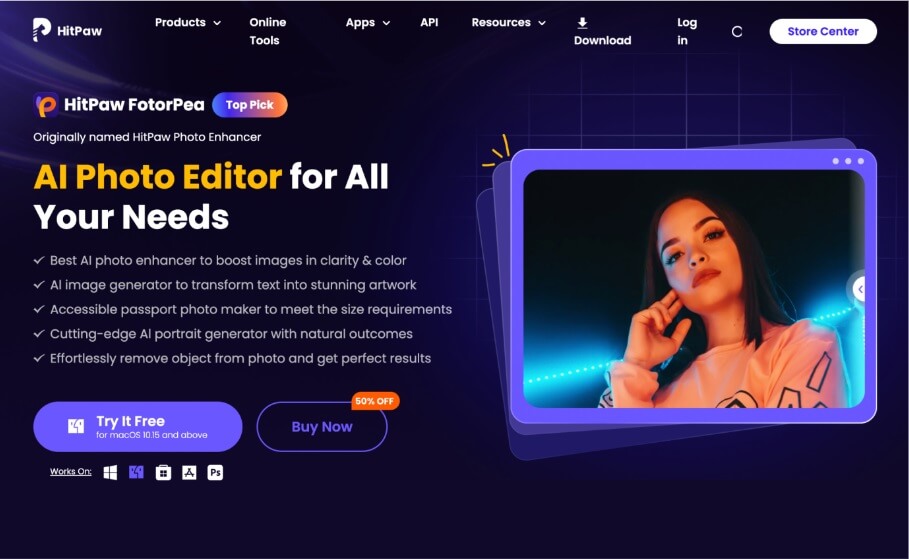
FotorPea by HitPaw is a strong AI-based picture editor that brings out more life on the hazy images. With just one click, its enhancement algorithms analyze your photo and sharpen details, reduce noise, adjust lighting, and so on to make it look like it was taken in perfect focus. Apart from unblurring, FotorPea offers complete editing tools such as object removal, background switching and AI art generation. If you want Taylor Swift AI photos unblurred, it is the best tool to use.
Features
- Photo enhancement - Improves image quality with one click using AI
- Object and background removal - Seamlessly removes and replaces backgrounds
- AI art generation - Creates stunning artwork from photos
- AI portrait creation - Intelligently enhances portraits
Pros
- User-friendly interface
- Comprehensive editing tools
- AI-based one click unblur option
Cons
- Requires a subscription for advanced features
Use Case
HitPaw FotorPea is ideal for both beginners and professionals seeking high-quality photo edits. Its easy-to-use interface makes it accessible for everyday users.
2. PhotoDirector
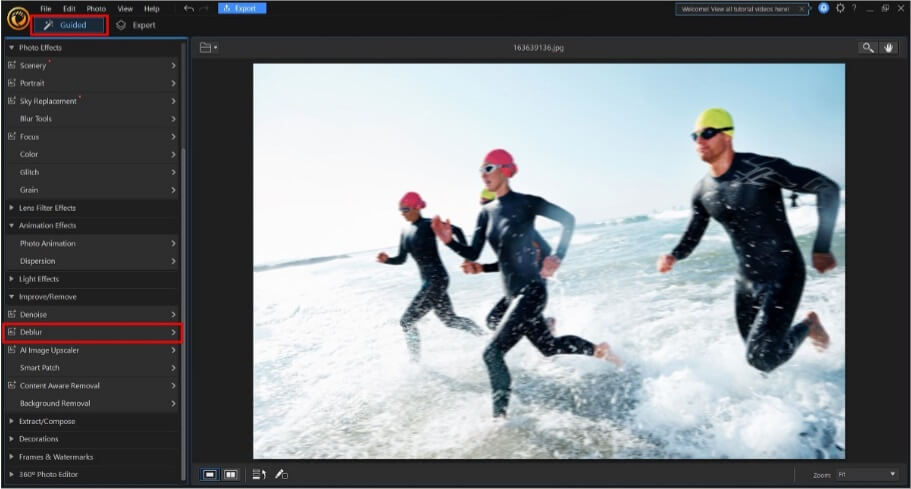
PhotoDirector is a robust photo editing app equipped with advanced AI to restore clarity to blurry images. It has powerful deblur capabilities using AI algorithms to automatically sharpen details and refocus blurred photos. It is also the AI photo unblur free tool.
Features
- Powerful AI-based deblur capabilities
- Noise reduction feature to eliminate grain and artifacts
- Automatic facial retouching to intelligently enhance portraits
- Content-aware healing for erasing unwanted objects or blemishes
Pros
- Intuitive interface
- Versatile editing capabilities
- Great value for money
Cons
- Limited file format support
Use Case
PhotoDirector is great for hobbyists seeking an affordable photo editor with robust AI correction tools.
3. Fotor
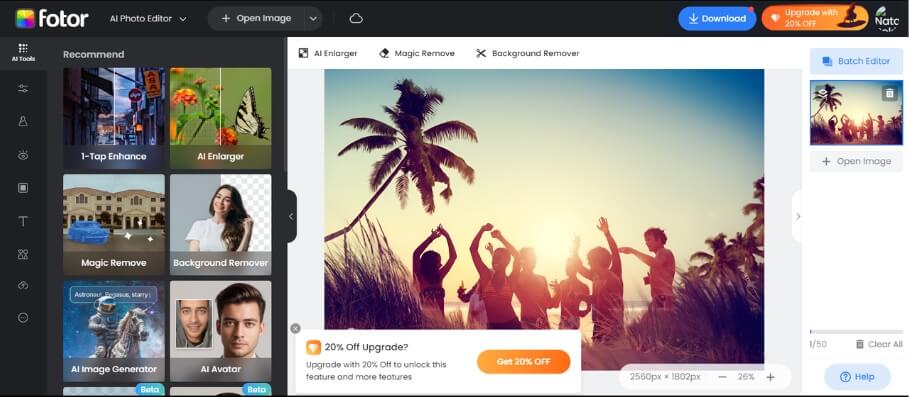
Fotor is a free online photo editor equipped with AI capabilities to rescue blurry images. The image deblur function uses AI algorithms to sharpen details and correct focus. The photo enhancer auto-adjusts qualities like exposure, color, contrast.
Features
- Image deblur function using AI algorithms
- Photo enhancer to auto-adjust exposure, color, contrast
- Portrait retoucher powered by AI to enhance facial features
- Image resize feature to upscale resolution
Pros
- Completely free to use
- Simple drag-and-drop interface
- Useful filters and effects
Cons
- Advanced features require paid subscription
Use Case
Fotor is great for casual users wanting a quick and easy online editor to fix their blurry images.
4. Media.io
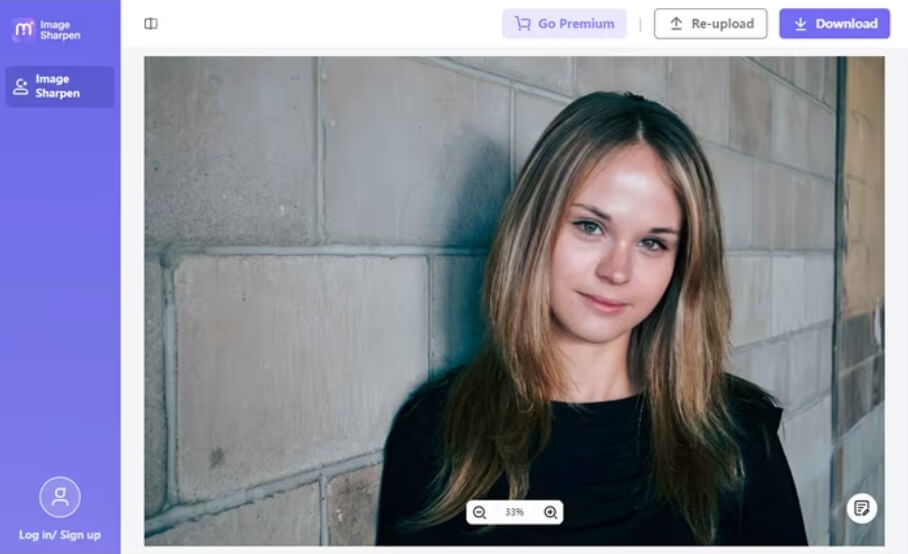
Media.io is an online photo enhancer with AI capabilities to unblur images. The deblurring function uses algorithms to sharpen details and correct blur. The upscaling feature increases resolution for crisp quality.
Features
- Deblurring function with algorithms to sharpen and correct blur
- Upscaling feature to increase resolution for crisp details
- Color correction to auto-optimize lighting, contrast and colors
- Noise reduction to remove graininess and artifacts
Pros
- Fast unblurring
- Simple web interface
- Unlimited use
Cons
- Limited control over edits
Use Case
Media.io is great for quickly enhancing bad photos online with minimal effort.
5. Neural Love
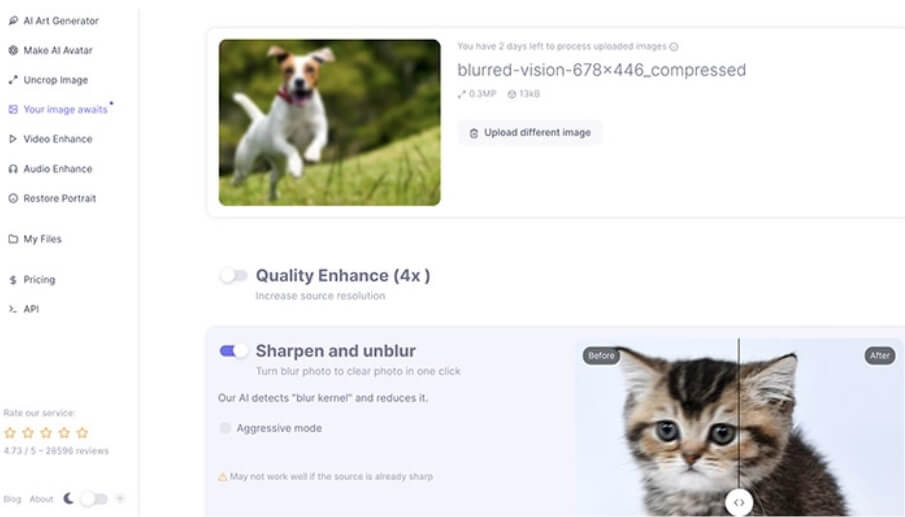
Neural Love is an advanced AI photo enhancer specialized in AI unblur photos. It has deblurring capabilities using deep learning to sharpen details and refocus blurry photos.
Features
- Using deep learning to sharpen and refocus blurry photos
- Resolution boost with AI upsampling to increase megapixels
- Noise reduction algorithms to eliminate grain and artifacts
- Color correction to auto-optimize colors, lighting and contrast
Pros
- Cutting-edge AI technology
- Impressive unblurring capabilities
- Free to try
Cons
- Requires app download
Use Case
Neural Love is perfect for users wanting powerful AI-based tools to restore very blurry photos.
6. Remini
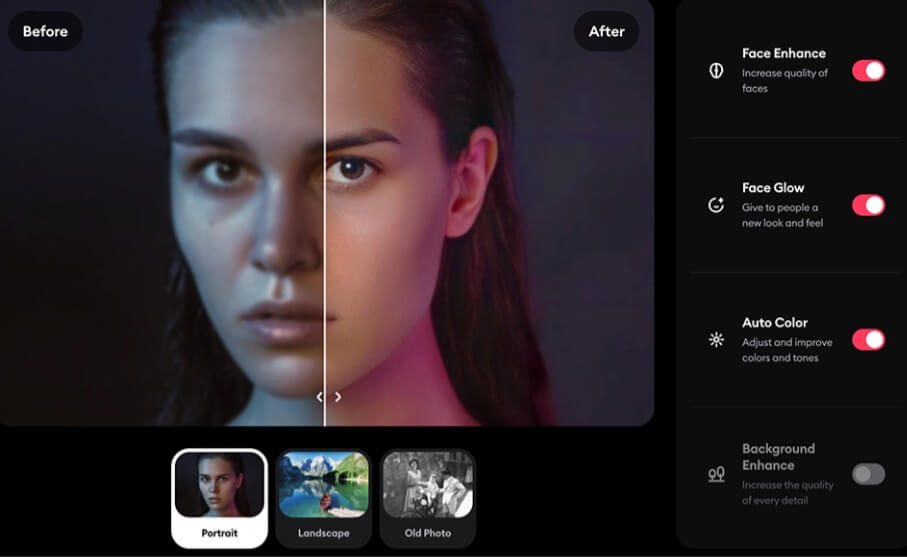
Remini is a specialized AI photo enhancer app with powerful deblurring capabilities. It uses deep learning algorithms to sharpen details, correct focus and reduce noise in blurry images.
Features
- Deep learning deblurring algorithms
- Face enhancement for portrait retouching
- Photo upscale to increase resolution
- Automatic correction for lighting and color
Pros
- Powerful AI deblurring
- Intuitive mobile interface
- Free to try
Cons
- Limited customization options
Use Case
Remini is ideal for the users wanting a specialized web app to fix blurry photos with advanced AI.
7. Picsart
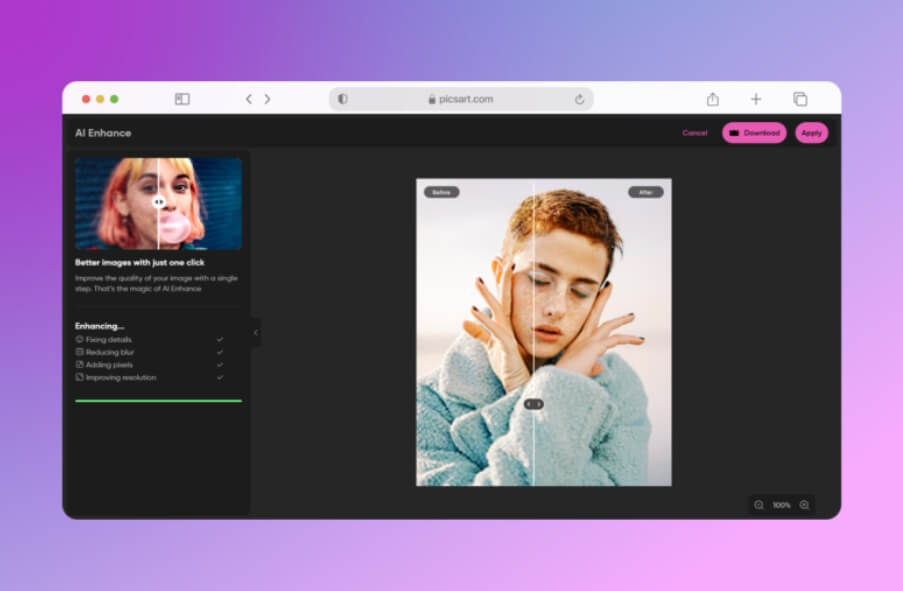
Picsart is a popular photo editor app for PC and Android equipped with AI-powered tools to rescue blurry images. The deblur function sharpens details using machine learning algorithms.
Features
- Deblur function with machine learning algorithms
- Photo fixer for auto light and color adjustment
- Portrait tools with AI skin smoothening
- Resize feature with smart upscaling
Pros
- Intuitive mobile interface
- Extensive creative tools
- Free basic version
Cons
- Slow processing time
Use Case
Picsart is ideal for the users wanting an all-in-one editor with AI photo correction capabilities.
8. BeFunky
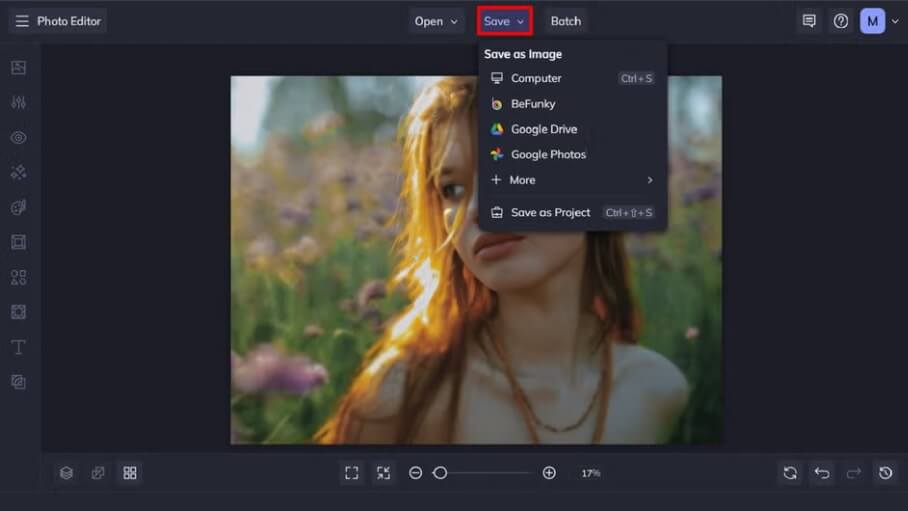
BeFunky is a free online photo editor equipped with AI-powered enhancement tools. The deblur function sharpens details using smart algorithms. The photo effects apply preset adjustments for quality.
Features
- Deblur function with smart sharpening algorithms
- Photo effects with quality presets
- Portrait touch-up with face detection
- Image enlarger for upscaling
Pros
- Very easy to use
- Lots of templates
- Completely free
Cons
- Limited customization
Use Case
BeFunky is ideal for casual users wanting a quick, free online editor to enhance their blurry photos.
Conclusion
There are numerous intelligent choices for automatically restoring your blurry photos today, with fantastic examples ranging from dedicated apps such as HitPaw FotorPea and Remini to versatile editors like PhotoDirector and Picsart and fast online enhancers such as BeFunky.
It is amazing how convenient, fast and qualitative these AI unblurring tools are. Instead of waiting for any longer to recover a blurry image that you have, download something like HitPaw FotorPea now and let the magic of artificial intelligence restore the life in your photographs immediately. It is surprising what these brilliant algorithms can do with your pictures.