CSV to JSON Converter Tool
The CSV to JSON Converter Tool helps you turn CSV files into JSON format fast and easy. This tool is great for working with APIs, web apps or databases. You can use it to change comma-separated values into easy-to-read JSON right away.
CSV or Comma Separated Values is often used for spreadsheets and exporting data. JSON or JavaScript Object Notation is what modern apps and APIs use. This tool helps by turning CSV data into JSON structure in a few seconds.
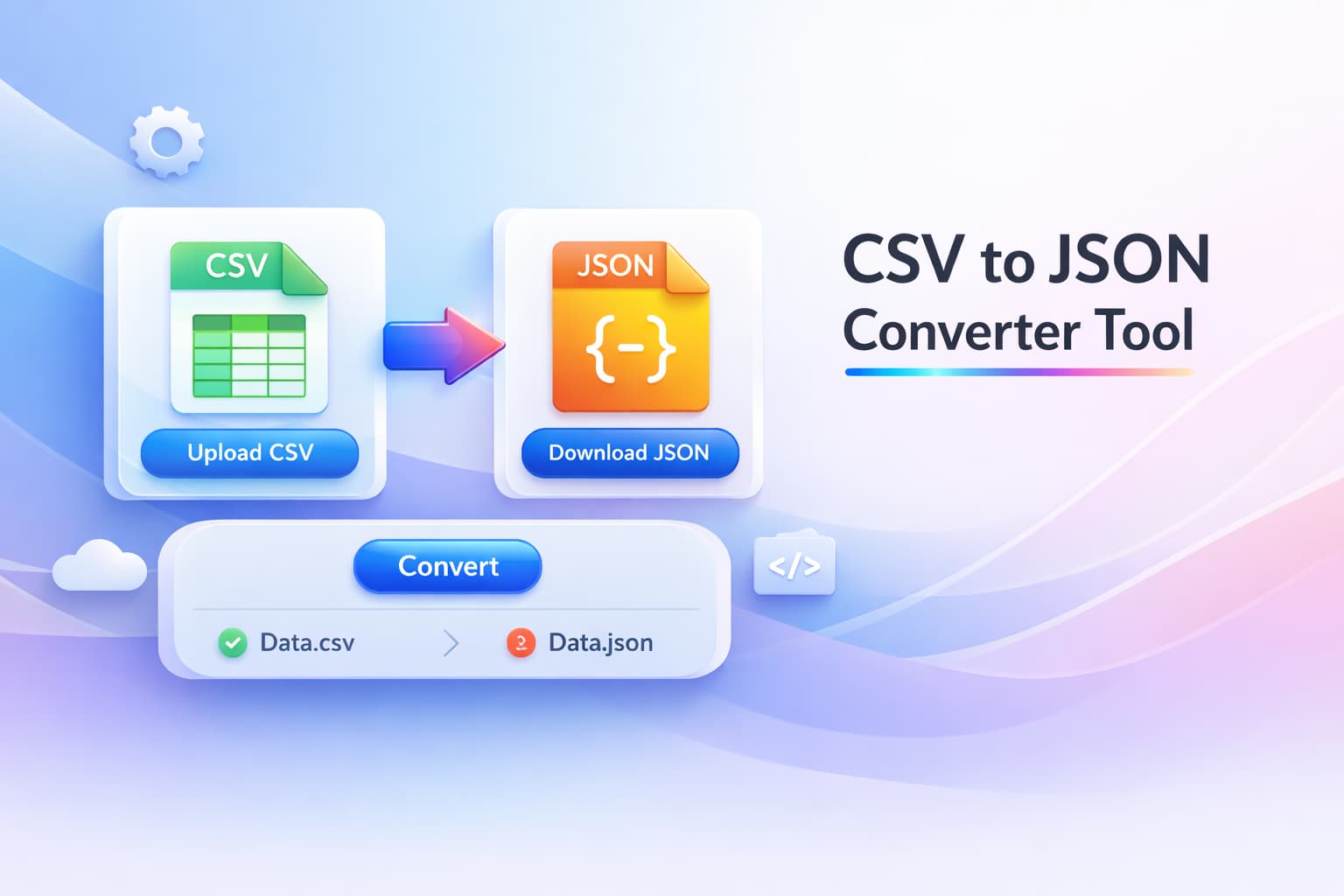
Convert CSV Files to JSON Online Instantly
With this converter you can paste or upload your CSV data and get JSON output right away. The tool reads the column headers. Turns each row into properly formatted JSON objects.
It saves you from having to format things which can be error-prone. This tool helps you work with data more efficiently and saves you valuable time. You can use CSV to JSON converter for free. The CSV to JSON Converter Tool is very helpful, for developers. It helps to convert CSV data into JSON objects.
Key Features of the CSV to JSON Converter
- Instant Conversion - Convert CSV data into JSON format in real time.
- Clean JSON Output - Generates properly formatted and readable JSON.
- Developer Friendly - Perfect for APIs, web apps, and backend systems.
- Supports Large CSV Data - Convert multiple rows of data efficiently.
- Free Online Tool - No installation or registration required.
- Copy or Download JSON - Easily copy the result or export it for use in your project.
Why Convert CSV to JSON?
JSON has become the standard data format for modern web development. Converting CSV to JSON makes it easier to integrate data with:
- REST APIs
- JavaScript applications
- NoSQL databases
- Web and mobile applications
- Data visualization tools
Instead of manually restructuring spreadsheet data, this tool automatically transforms rows and columns into a structured JSON array.
How to Use the CSV to JSON Converter
- Upload your CSV file.
- Click the 'Convert to JSON' button.
- Instantly generate JSON output.
- Copy or download the converted JSON data.
The process is fast, simple, and requires no technical setup.
Perfect for Developers and Data Processing
This CSV to JSON Converter Tool is really helpful for people who work with data like developers and data analysts. It is great for anyone who uses datasets. If you need to change CSV files from spreadsheets into something or get data ready for APIs this tool is very useful.
It gives you an reliable way to do this. You can change CSV files to JSON files on the internet away, with this tool. This makes it easier to work with your data. You get output that is accurate and easy for developers to use.
Frequently Asked Questions - FAQ

Joydeep Deb
Senior Digital Marketer & Project Manager
Joydeep Deb is a results-driven Senior Digital Marketer and Project Manager with deep expertise in Lead Generation and Online Brand Management. An IIM Calcutta Alumni with an MBA in Marketing, he specializes in SEO, SEM (PPC), and Web Technologies.
Based in Bangalore, Karnataka - India.